
Table of Contents
ToggleChoosing an executive office chair isn’t just about aesthetics, it’s about investing in a piece of furniture that supports long workdays, reduces fatigue, and keeps the body aligned. Whether setting up a dedicated home office or upgrading a cramped corner workspace, the right chair can mean the difference between ending the day refreshed or with a sore lower back and stiff shoulders. Executive chairs offer premium materials, adjustable ergonomics, and durability that standard task chairs can’t match. This guide walks through what separates executive chairs from the pack, key features worth the investment, and how to set up and maintain the chair for years of reliable use.
Key Takeaways
- Executive office chairs feature high backrests (20–24 inches), advanced tilt mechanisms, and premium materials like genuine leather or mesh that deliver superior support and durability compared to standard task chairs.
- Proper ergonomic setup—including adjustable lumbar support, seat height positioned with thighs parallel to the floor, and armrests at 90-degree elbow angle—eliminates back pain and shoulder strain during long workdays.
- Investing in an executive office chair with a weight capacity 50+ pounds above your body weight and a robust steel or aluminum frame ensures 5–10 years of daily use versus 2–3 years from budget options.
- Weekly dusting and monthly deep cleaning tailored to your chair’s material (leather conditioning, mesh washing, or fabric treatment) prevents premature wear and maintains executive aesthetic appeal.
- Test-sit any executive office chair for at least 10 minutes in-store, checking for pressure points and proper lumbar support, and confirm a 30-day return policy when ordering online to ensure comfort before committing.
What Makes an Executive Office Chair Different?
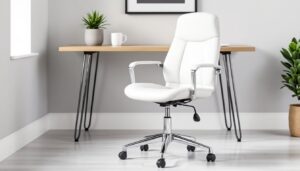
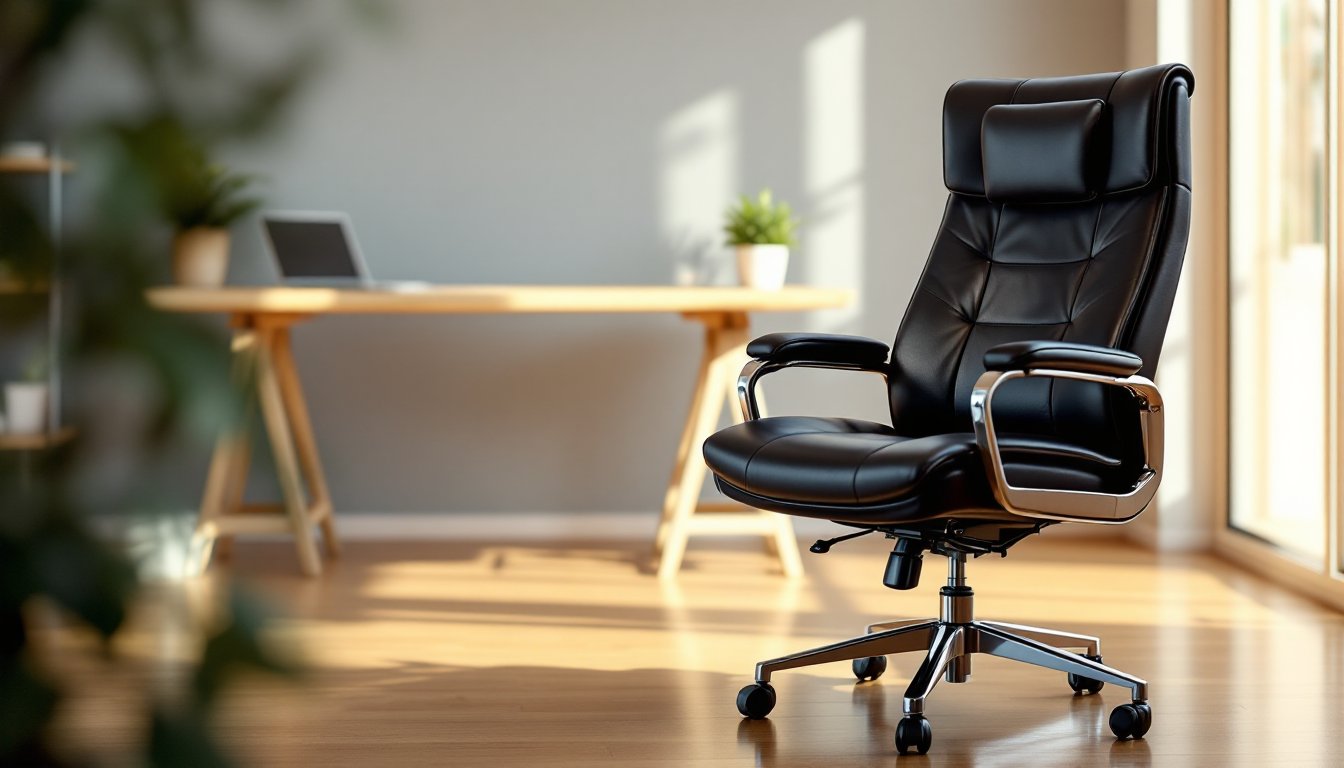
An executive office chair is built for extended sitting sessions, typically featuring a high backrest that supports the full spine from lumbar region to upper shoulders. Unlike standard task chairs with minimal padding and basic tilt mechanisms, executive models use multi-density foam, leather or high-grade upholstery, and robust metal frames designed to handle 250–350 pounds of weight capacity.
The defining characteristic is the tall back, usually 20–24 inches from seat to top of headrest, which cradles the neck and upper back. This design distributes weight more evenly than mid-back task chairs, reducing pressure points during video calls or focused work.
Executive chairs also come with advanced tilt and recline functions. Most include synchro-tilt mechanisms where the seat and back recline at different angles (typically a 2:1 ratio), keeping feet planted while leaning back. Higher-end models add tilt tension adjustment and tilt lock at multiple angles, letting users customize resistance and lock in a preferred recline position.
Materials separate executive chairs from budget options. Expect bonded leather, genuine leather, or premium mesh instead of basic fabric. Frame construction uses aluminum or steel rather than plastic, and casters are often dual-wheel designs that glide smoothly on carpet or hardwood without scratching.
These features come at a cost. Executive chairs typically start around $250 and climb past $1,000 for models with full-grain leather and lifetime warranties. The price reflects durability and comfort, expect five to ten years of daily use from a quality executive chair versus two to three years from a basic task chair.
Key Features to Look for in an Executive Office Chair
Ergonomic Support and Adjustability
Lumbar support is non-negotiable. Look for chairs with adjustable lumbar mechanisms that move up, down, and in/out to match the natural curve of the lower spine. Some models use a fixed lumbar pillow, which works if it happens to align with your back, but adjustable is always better.
Seat height adjustment should offer a range of at least 4–6 inches via pneumatic cylinder. Standard cylinders provide 16–21 inches of seat height, suitable for most users between 5’2″ and 6’2″. Taller or shorter individuals may need extended or petite cylinders, which some manufacturers offer as upgrades.
Armrests should adjust in at least two dimensions, height and width. Four-dimensional armrests (height, width, depth, and pivot) are ideal, allowing users to position armrests precisely for keyboard work or mouse control without shoulder strain. Fixed armrests are a dealbreaker for anyone spending more than a few hours at a desk.
Seat depth matters for leg circulation. The seat pan should allow 2–4 inches of clearance between the front edge and the back of the knees when sitting fully back. Some chairs offer seat depth adjustment via a slider mechanism, essential for households where multiple people use the same chair.
Headrest placement affects neck support. Adjustable headrests that tilt forward or backward accommodate different sitting postures, whether upright during calls or reclined during reading. Fixed headrests often miss the mark, especially for users over six feet tall.
Materials and Construction Quality
Upholstery choices include bonded leather (polyurethane with leather scraps), genuine leather (top-grain or full-grain), and breathable mesh. Bonded leather peels after two to four years of heavy use, it’s budget-friendly but not durable. Genuine leather lasts longer but requires conditioning every few months to prevent cracking. Mesh stays cool and requires minimal maintenance, though it lacks the executive aesthetic some home offices demand. When browsing options, curated selections like those found on office chair marketplaces can help narrow down material preferences.
Frame materials determine longevity. Steel frames handle more weight and resist warping better than aluminum, though aluminum keeps the chair lighter for easy repositioning. Avoid chairs with visible plastic joints or bases, they’re prone to cracking under repeated stress.
Caster quality affects floor protection and mobility. Soft rubber or polyurethane casters work best on hardwood, tile, or laminate, while hard plastic casters suit carpet. Dual-wheel casters (two small wheels per caster) distribute weight better than single-wheel designs, reducing the chance of marking floors.
Weight capacity should exceed body weight by at least 50 pounds for safety margin. A 200-pound user should choose a chair rated for 250+ pounds. Exceeding weight limits voids warranties and accelerates wear on the gas cylinder and frame.
Choosing the Right Executive Chair for Your Home Office
Start by measuring the workspace. Measure desk height, clearance under the desk, and floor-to-ceiling height if the chair has a tall back. Standard desks sit at 28–30 inches, requiring a chair with a seat height range that positions forearms parallel to the floor when typing. If the desk is fixed-height and unusually tall or short, the chair must compensate, or the desk needs replacing.
Consider daily sitting duration. Users logging six-plus hours daily should prioritize adjustability and lumbar support over aesthetics. Those using the chair occasionally (video calls, bill-paying) can lean toward style and material choice without sacrificing basic ergonomics.
Room aesthetics matter in home offices visible during video calls. Leather executive chairs project a traditional, professional look, while mesh chairs feel modern and tech-forward. For design-focused spaces, inspiration from sources like contemporary furniture showcases can help match chair style to overall room decor.
Assembly requirements vary. Most executive chairs arrive in six to twelve pieces requiring 30–60 minutes of assembly with included Allen wrenches or screwdrivers. Some sellers offer white-glove delivery with setup, worth considering for heavy chairs (over 60 pounds) or users uncomfortable with assembly.
Warranty coverage signals manufacturer confidence. Look for at least five years on the frame and mechanism, two to three years on upholstery and foam. Lifetime warranties exist but often exclude wear items like armrest pads and casters.
Return policies are critical when buying online. A 30-day trial period lets users test fit and comfort before committing. Restocking fees (typically 10–20%) cut into refunds, so confirm the policy before ordering.
Test sitting position if buying in-store. Sit for at least ten minutes, adjusting all mechanisms. Check for pressure points behind knees, lower back support, and armrest positioning. If the chair feels “almost right,” it’ll feel wrong after an eight-hour workday.
How to Set Up Your Executive Office Chair for Maximum Comfort
Start with seat height. Sit fully back in the chair with feet flat on the floor. Thighs should be parallel to the floor or angled slightly downward (a 1–2 degree slope). Knees should align with or sit slightly lower than hips. Adjust the pneumatic lever until this position is achieved. If feet don’t reach the floor, add a footrest, a piece of 2×6 lumber wrapped in grip tape works in a pinch.
Adjust lumbar support next. The curve should sit at the belt line, roughly 8–10 inches above the seat. Some chairs use a dial or knob to move the lumbar pad: others require loosening screws. The support should feel firm but not intrusive, if it pushes the torso forward unnaturally, dial back the depth adjustment.
Set armrest height so shoulders remain relaxed with elbows bent at 90 degrees. Armrests should support forearms lightly during typing without forcing shoulders upward. If armrests push shoulders up, lower them or remove them entirely. Adjust width so arms rest naturally without splaying elbows outward.
Seat depth should allow 2–4 inches of clearance between the seat edge and the back of knees. Slide the seat pan adjustment (if available) until proper clearance is achieved. Too little clearance restricts circulation: too much reduces thigh support.
Configure tilt tension by sitting back and reclining. The backrest should offer resistance without feeling locked. Most chairs have a knob under the seat, turn clockwise to increase tension, counterclockwise to decrease. Heavier users need more tension: lighter users need less. The goal is a smooth recline that doesn’t slam forward or require excessive force to lean back.
Set tilt lock at the desired angle. Upright (90 degrees) works for focused tasks like typing or drafting. A slight recline (95–100 degrees) suits video calls or reading. Deeper reclines (110+ degrees) are for breaks, not sustained work.
Headrest adjustment comes last. Tilt or raise the headrest until it supports the base of the skull without forcing the neck forward. The headrest shouldn’t touch the head during upright sitting, it’s for reclined positions.
Once adjusted, write down settings (armrest height, seat height, lumbar position) if multiple people use the chair. Readjusting each time is tedious: marking settings on a sticky note speeds setup.
Maintaining Your Executive Office Chair for Longevity
Weekly dusting prevents grime buildup. Use a microfiber cloth or vacuum with a brush attachment to clean seat crevices, armrest pads, and mesh panels. Dust accumulation accelerates fabric wear and clogs mesh weave, reducing breathability.
Monthly deep cleaning depends on upholstery. For leather, wipe with a damp cloth and apply leather conditioner every three months to prevent cracking. For mesh, use mild soap and water on a soft brush, scrubbing gently to avoid stretching the weave. Fabric upholstery responds well to upholstery cleaner and a vacuum, test any cleaner on an inconspicuous spot first.
Inspect mechanisms quarterly. Check the gas cylinder for leaks (seat slowly sinking during use signals a failing cylinder). Test tilt tension, armrest tightness, and caster rotation. Loose screws can be snugged with an Allen wrench: stripped threads need replacing to avoid total failure.
Lubricate moving parts annually. Apply silicone spray to the tilt mechanism, armrest joints, and caster axles. Avoid oil-based lubricants, which attract dust and gunk up mechanisms. Wipe excess spray to prevent slippery armrests.
Replace wear items as needed. Armrest pads, caster wheels, and seat cushions are consumables. Armrest pads cost $10–30 per pair: casters run $15–40 for a set of five. Replacement cushions vary widely, some manufacturers sell them direct, others require third-party foam suppliers.
Store properly if the chair will sit unused for extended periods. Cover with a sheet to prevent dust accumulation and UV fading. Store in a climate-controlled space, extreme heat or cold can warp foam and crack leather.
Weight limits aren’t suggestions. Consistently exceeding the rated capacity bends frames, blows gas cylinders, and voids warranties. If weight needs change, upgrade the chair rather than risk sudden failure.
Proper maintenance extends chair life from five to ten years or more. Neglected chairs fail prematurely, often at inconvenient times, mid-meeting gas cylinder blowouts aren’t just embarrassing: they’re dangerous. Regular upkeep is cheaper than replacement and keeps the workspace functional. For ongoing project inspiration and maintenance tips for other home office elements, resources like design and remodel guides offer curated advice that complements a well-maintained workspace.